
How to Fix January 2027 Google Play System Update Bug on Android: Insighthub.icuThis is a title
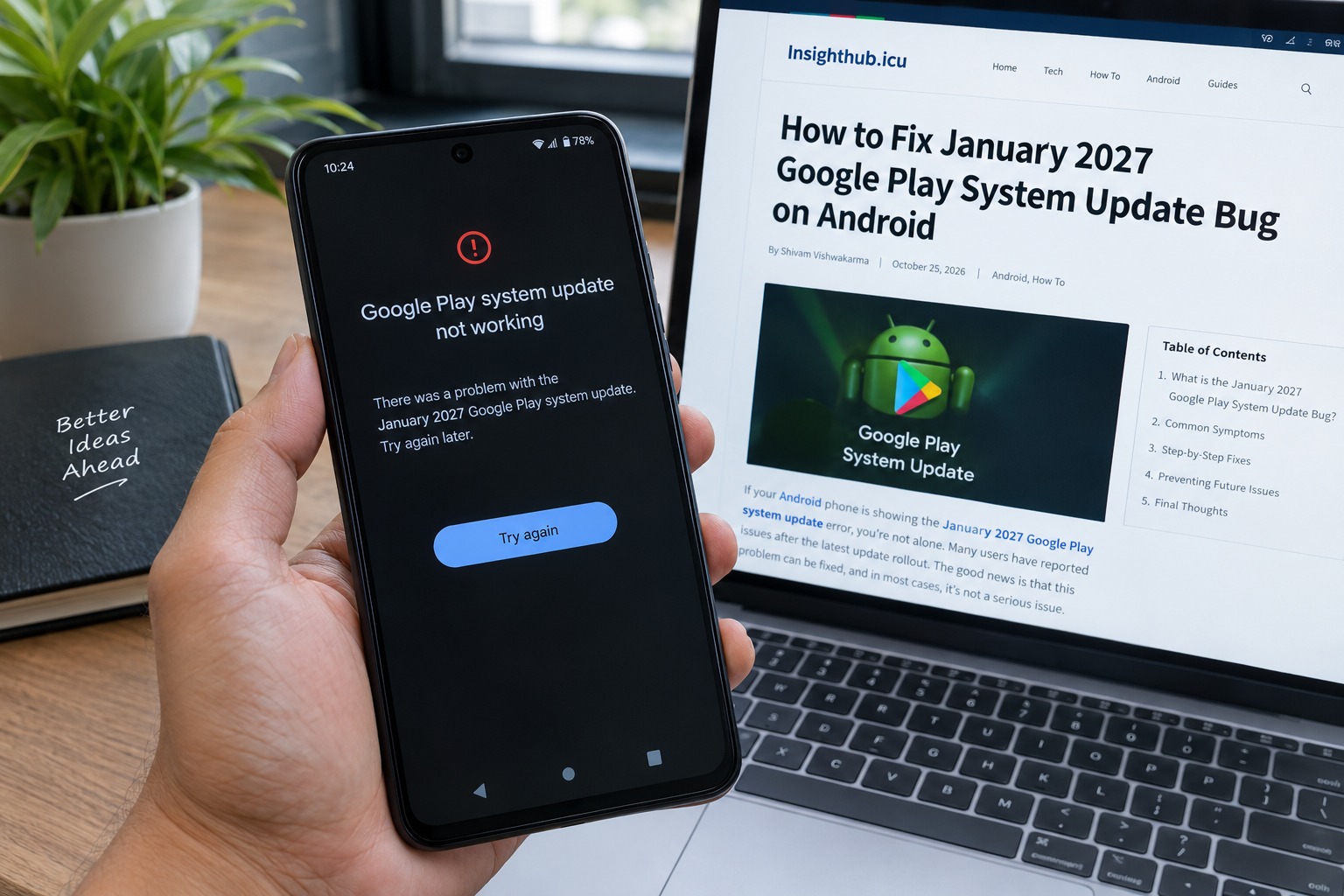
If your Android phone suddenly shows “Google Play system update: January 1, 2027” even though it is still October 2026, you are not alone.
Several Android users have reported seeing the unusual January 2027 date on their phones. Reports have included Samsung Galaxy devices, Pixel phones, Vivo devices, and some other Android models. The important part is that this does not appear to be an actual January 2027 Android update. Current reports point toward a date or labelling problem with the Google Play system update rather than your phone somehow receiving software from the future.
That can understandably look alarming. After all, nobody expects their phone to be showing an update from several months in the future.
The good news is that there is no evidence that you need to factory reset your phone or change its date and time settings to deal with the issue.
This guide explains what is happening, how to check your device, what you can safely try, and what you should avoid doing.
What Is January 2027? Google Play System Update Bug?
The issue is fairly simple to describe.
Some Android phones are showing January 1, 2027 as the Google Play system update date. The date is appearing months before January 2027, which has naturally led users to wonder whether Google accidentally released a future update.
Current reporting suggests that the problem is more likely related to incorrect update metadata or labelling.
A Google Play system update is different from a normal Android version update. It allows Google to update certain important Android components without requiring the entire operating system to be replaced.
So, seeing a January 2027 date does not mean that your phone has suddenly moved to a future Android version.
It also does not automatically mean that your phone has received January 2027 security patches.
Your Android version, Android security update level, and Google Play system update are separate pieces of information and should be checked independently.Type your paragraph here
Why Is My Android Phone Showing January 2027?
The exact technical cause has not been clearly documented by Google at the time of writing.
However, the strongest explanation is a date-labelling or metadata error.
Reports have appeared across multiple manufacturers. Samsung Galaxy phones were among the first widely reported devices, but later reports mentioned Pixel, Vivo, OnePlus, Motorola and other Android devices as well.
That makes the situation particularly interesting.
If this were a problem caused only by one manufacturer's software, we would expect the reports to be limited to that brand. Instead, the same unusual date has appeared across different Android devices.
There is also an important precedent.
In early 2026, Android users experienced another Google Play system update labelling problem where some phones appeared to move from a newer update date back to November 2025. Google later confirmed that the issue was display-only and did not affect device performance or security.
That does not prove the January 2027 issue has exactly the same cause, but it shows that incorrect Google Play system update dates can happen without meaning that the underlying software has actually been downgraded.
Is the January 2027 update dangerous?
Based on the reports currently available, there is no clear evidence that the incorrect date itself is dangerous.
Users have not reported a widespread Android failure caused simply by seeing January 1, 2027 in the Google Play system update section.
The bigger problem is confusion.
When the displayed date is incorrect, it becomes harder for users to determine exactly which Google Play system update is installed.
That is frustrating, particularly for people who regularly check their phone's security status.
It is also important not to confuse this issue with the Android security patch level. A phone can show a January 2027 Google Play system date while still having a completely different Android security patch level.
How to Check the Google Play System Update
Before trying anything complicated, check exactly what your phone is reporting.
The menu can vary depending on the manufacturer and Android version.
On most Android phones
Try:
Settings → Security & privacy → Google Play system update
On some devices, you may find it under:
Settings → About phone → Android version
Google's Android help documentation confirms that the Android version screen can show the Android version, security update, Google Play system update and build number.
On Samsung Galaxy phones
Samsung devices may place the option under:
Settings → Security and privacy → Updates → Google Play system update
The exact wording can vary with the One UI version.
Once you reach the screen, look at the displayed date.
If it says January 1, 2027, don't immediately assume that your phone has installed future software.
How to Fix January 2027 Google Play System Update Bug
There is an important distinction here.
If your phone is working normally and the only problem is that the Google Play system update says January 2027, there may be nothing you need to repair manually.
The safest approach is to check for another available Google Play system update and let Google or your phone manufacturer correct the label through a subsequent update.
1. Restart your phone.
It sounds basic, but restarting is a sensible first step.Hold the power button and restart the device.After the phone boots again, return to the Google Play system update screen and check whether the displayed date has changed.A restart is safe and does not remove your apps, photos or personal files.
2. Check for another Google Play system update.
Open your phone's settings and look for the Google Play system update option.If an update is available, install it.Before updating, Google recommends connecting the phone to Wi-Fi and keeping the device sufficiently charged.Do not repeatedly press the update button if nothing is available. If the phone says that you are up to date, give the system time to receive a corrected package.
3. Check your Android security patch separately
This step is often overlooked.
Go to:
Settings → About phone → Android version
Check these separately:
Android version
Android security update
Google Play system update
Build number
The January 2027 date in the Google Play system field does not mean that your Android security patch is also dated January 2027.
Keeping these values separate makes it much easier to understand what is actually installed on your phone.
4. Update Google Play services
If you are experiencing actual problems with Google apps or services, check whether Google Play Services itself has an update available.
Google provides an official method for updating Google Play services through the device settings.
However, don't confuse this with fixing the January 2027 date.
Updating Google Play services may help with a separate software problem, but there is currently no reason to assume that clearing or updating Play services will automatically correct the displayed Play system date.
5. Clear Google Play services cache only if you have another problem.
If your phone is experiencing problems such as Google services failing, downloads behaving strangely, or apps refusing to connect, clearing the Google Play services cache can sometimes help.
Google specifically recommends trying other troubleshooting steps before clearing Play services data because clearing storage can remove certain information and may require you to authenticate some services again.
For that reason, I would not recommend clearing Google Play services data simply because the date says January 2027.
If everything else works normally, leave it alone.Type your paragraph here
Should You Change Your Phone's Date and Time?
No.
This is one of the most important things to understand.
If your phone's normal date and time are correct, don't manually change them to January 2027 just because the Google Play system update shows that date.
Likewise, changing the phone's date back and forth is unlikely to fix the update's metadata.
Your device's actual system clock and the date displayed for a Google Play system update are two different things.
Changing the system date can also cause problems with websites, authentication, notifications and other applications.
Keep the automatic date and time enabled unless you have a separate reason to change it.Type your paragraph here
Should You Factory Reset Your Android Phone?This is a title
Absolutely not just for this issue.
A factory reset is one of the most aggressive troubleshooting steps available.
It removes your apps, settings and locally stored data, so it should never be the first response to an unusual update date.
Google has previously told Android users experiencing Google Play system update problems that a factory reset was not necessary when the issue was caused by the update system itself.
The current January 2027 date issue also does not provide a good reason to erase your phone.
If your phone is working normally, keep using it.
What If the Update Says January 2027, but My Phone Works Normally?
This is probably the easiest situation.
If:
Your phone works normally.
Apps open normally.
Google Play works.
Your security settings look normal.
You are not receiving update errors.
Only the Google Play system date looks strange.
Then you generally don't need to do anything drastic.
Keep automatic updates enabled and check again later.
The incorrect date can be corrected through another Google Play system update or a metadata correction without requiring you to wipe the device.
What If My Phone Says "Update Failed"?
This is a different situation.
If you are seeing an actual error such as “Failed to update”, don't assume it is caused by the January 2027 date.
Google has previously acknowledged Google Play system update installation problems affecting some Android devices and specifically stated that users did not need to factory reset their phones.
In that situation, try these basic steps:
Connect to a reliable Wi-Fi network.
Make sure the phone has enough battery.
Free up storage if the device is nearly full.
Restart the phone.
Check for the update again.
Install any pending system or Google Play updates.
If the error continues, wait for another update rather than repeatedly forcing the installation.
Could the January 2027 date mean Google released the update early?
It is possible that the software package is being distributed with incorrect metadata, but there is currently no solid evidence that Android users have received the actual January 2027 feature or security release months early.
That distinction matters.
A date appearing on a settings screen is not the same thing as Google publishing all of the software associated with that future release.
Current reports describe the January 1, 2027 date as a likely labelling issue, while Google's official system release notes have not provided a detailed explanation for the unusual timestamp.
So I would avoid interpreting the date as proof of an early January 2027 Android release.
Which Android Phones Are Affected?
Reports have not been limited to one model.
The issue has been reported on devices, including some:
Samsung Galaxy phones
Google Pixel phones
Vivo phones
OnePlus phones
Motorola phones
Other Android devices
The exact list can change as more users receive or report the update.
Interestingly, reports have also suggested that devices running different Android versions can display the same January 2027 date. That further supports the idea that this is not simply a single Android version problem.
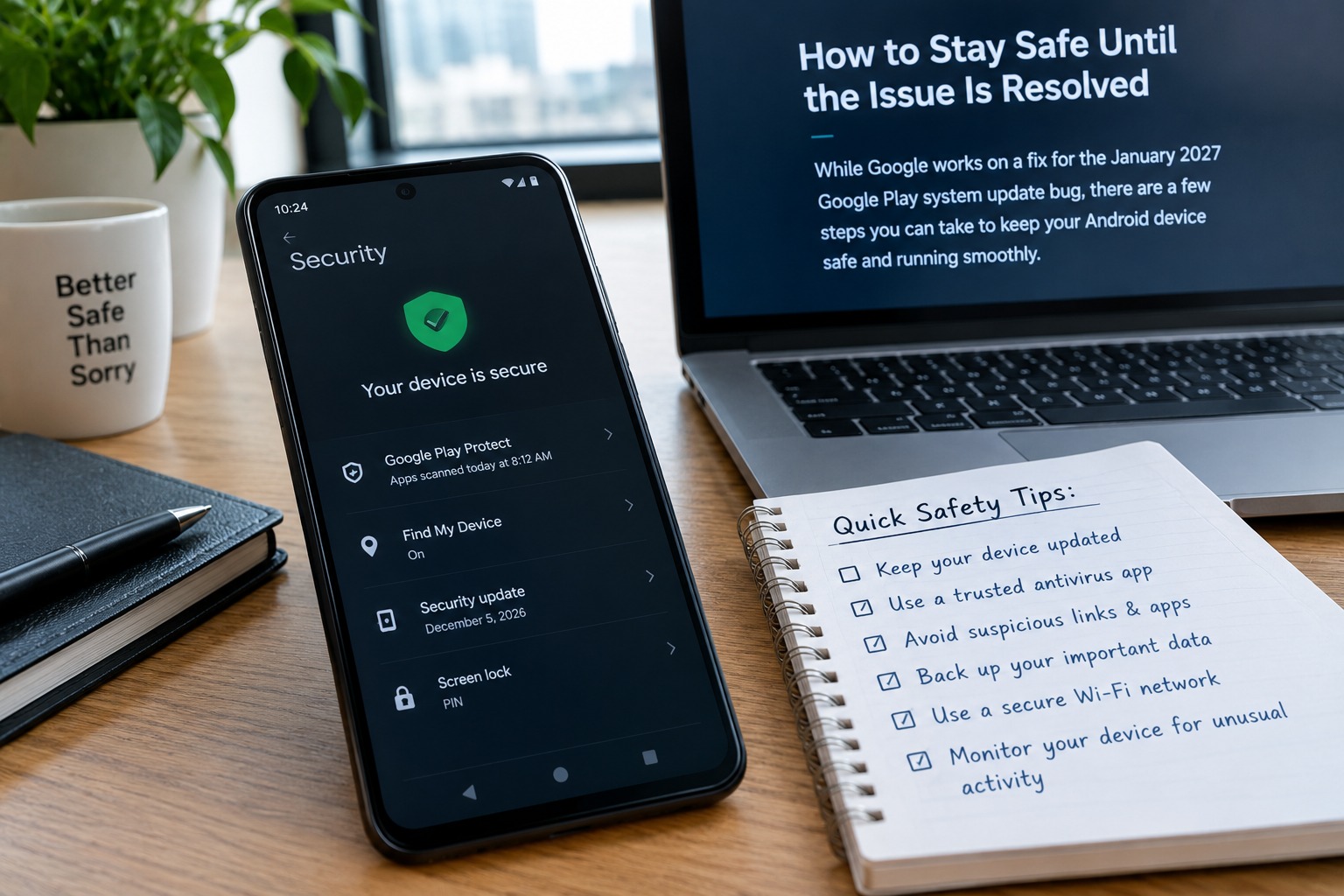
How to Stay Safe Until the Issue Is Resolved
You don't need to stop using your phone because of the incorrect date.
Instead, follow a few simple habits.
Keep your Android software updated. Keep Google Play services and your apps updated. Leave the automatic date and time enabled. Check the Android security patch separately from the Google Play system date.
Most importantly, don't install unofficial APK files claiming to be a “January 2027 Google Play System Update Fix.”
When an unusual Android problem becomes popular online, fake fixes often appear soon afterwards.
If a solution requires downloading a random APK from an unknown website, that's a good reason to stop and verify the information first.
Frequently Asked Questions
1. Why does my Android phone show January 1, 2027, for the Google Play system update?
The current evidence suggests that the date is caused by incorrect update labeling or metadata rather than an actual January 2027 Android release. Several Android devices have reportedly shown the same future date.
2. Is the January 2027 Google Play system update a real future update?
There is no good evidence that phones are receiving the complete January 2027 Android update months early. The displayed date appears to be incorrect, and it should not be interpreted as proof that your device has received January 2027 security patches.
3. Do I need to factory reset my phone?
No. A factory reset is not recommended simply because the Google Play system update shows January 2027. A reset deletes locally stored data and is unnecessary for a date-labelling problem.
4. Should I change my phone's date back from January 2027?
No. The Google Play system update date is separate from your phone's actual system clock. Keep the automatic date and time enabled.
5. Is my phone's security affected by this bug?
There is currently no evidence that simply displaying the incorrect January 2027 date makes your phone less secure. However, check your Android security patch level separately because the Google Play system date does not represent the entire Android security status.
6. What should I do if another Google Play system update becomes available?
Install the update normally if it is offered through your phone's settings. Use a reliable Wi-Fi connection and make sure the phone has sufficient battery before starting the update.
7. Why is my friend's phone showing a different Google Play system date?
Google Play system updates can arrive at different times depending on the device, manufacturer, software configuration and rollout. Different dates do not necessarily mean that one phone is broken or missing an Android update.
Final Thoughts
The January 2027 Google Play System Update bug on Android looks much more confusing than dangerous.
Seeing a future date in your settings can make it seem as though Google accidentally pushed an unfinished version of Android, but current reports point toward a date or labelling problem rather than a genuine January 2027 release.
For now, the sensible approach is simple: don't factory reset your phone, don't change the system date, and don't install unofficial fixes.
Check your Google Play system update, Android security patch and Android version separately. If your phone is working normally, continue using it and install official updates when they become available.
The best fix may ultimately be a small correction delivered through Google's normal update system. Until then, there is little reason to panic over a date that appears to be wrong.